Architecting and Herding Coding Agents
On this page
Agentic Coding Today
Agentic coding today mostly means a coding agent running on a developer's laptop. On that machine, it technically has access to everything the developer has: SSH keys, cloud credentials, API tokens, and every repository checked out locally.
There are generally two ways to run a session:
- Interactively. You watch the agent work, approve its changes, and step in when it misbehaves. In other words, you babysit. That scales with your attention, not with the number of agents.
- Autonomously. You hand the agent a task and walk away, which more and more developers are doing. The agent keeps working with your credentials and your access, and nobody is watching. That's how mine ended up searching my file system.
Tools for managing many sessions at once are popping up, like Herdr and Agent Manager, many of which are designed around interactive sessions. They make babysitting more efficient, but it still requires my attention to orchestrate. And that doesn't scale.
My Setup: Two Roles, One Workflow
I wanted a third option that was both secure and scalable: define the work once, let agents run in parallel without my credentials, and review what comes back. With boundaries that hold whether I'm watching or not.
And this is my design, which splits the work into two roles.
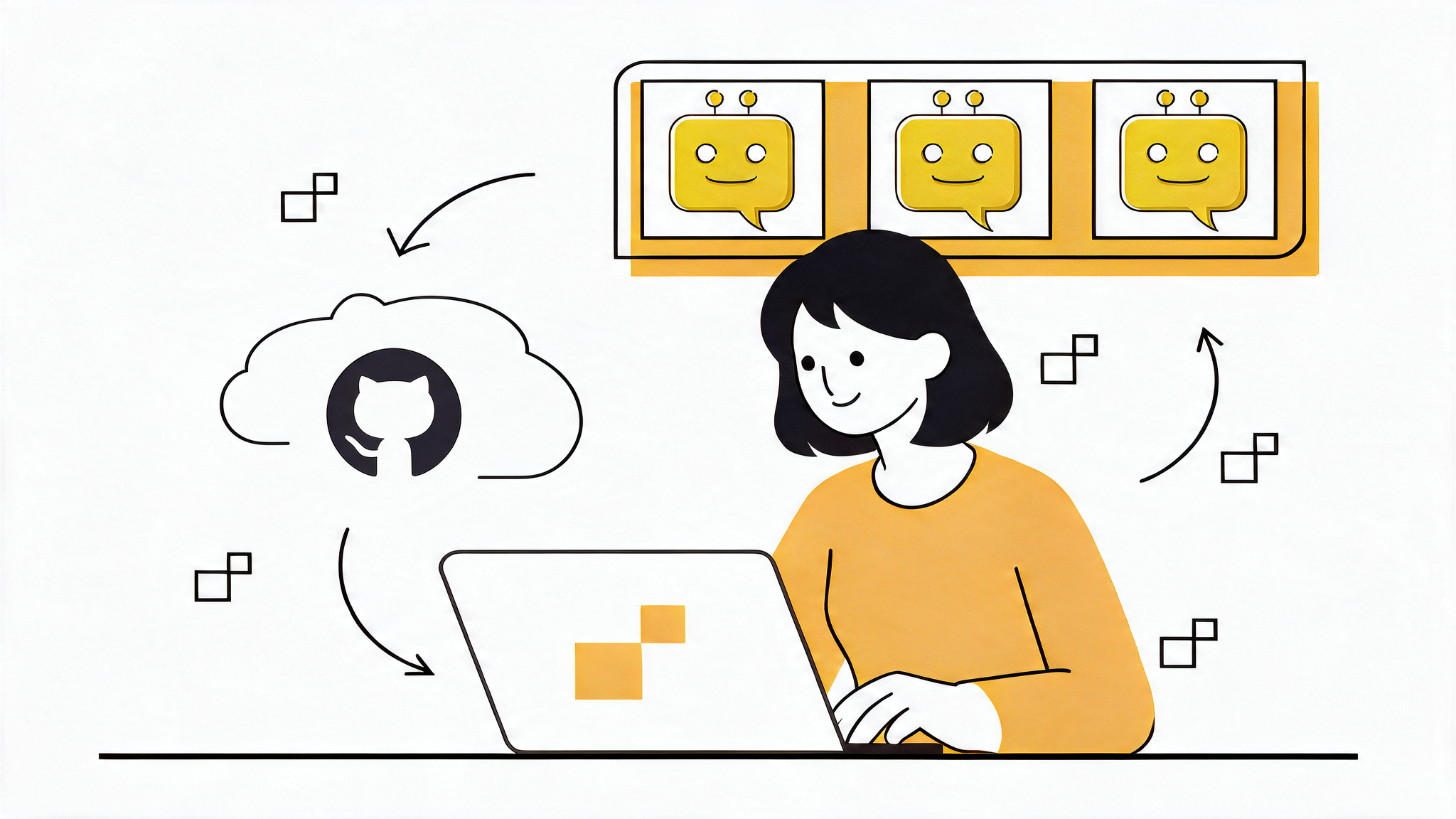
The architect is me. I work interactively in a dev container in Zed, pairing with Claude on design. I break the work down into GitHub issues and review the pull requests that come back.
The geese are the agents. The harness is goose, an open-source agent that is part of the Agentic AI Foundation, so a group of them is a flock. Each goose picks up one issue, runs headless in its own pod, and pushes a branch. Nobody is watching.
My job shifts from operating agents to designing the workflow they run in, and the boundaries around it.
AI Native Builds on Cloud Native
Organizations already have rules for who can do what: identities and roles, read and write access, branch protection, code review, scoped secrets, approval steps.
A headless agent is a new actor, and it needs to be mapped into that system.
We've built this foundation before. CI/CD pipelines were the first headless actors in the software lifecycle. They run under their own service identities, with scoped secrets and environment approvals, and a human triggers them with a git push or a button. I authored Microsoft's official best-practice guidance on governance for CI/CD pipelines. Agents build on that same foundation.
Agents add one new requirement. A pipeline runs code that someone reviewed. An agent decides what to do at runtime. The foundation holds, but the scoping gets tighter.
The failure mode is an agent running in my session, with my credentials. It gets around every control the organization has. It acts with my access, and Git records that I did it.
In my design, each goose gets:
- its own GitHub account,
julieio-goose - its own credentials to services in the SDLC
- write access only to branches prefixed
agent/* - signed commits, so authorship can be verified (designed, not yet implemented)
Then the existing controls apply to it like any other actor. Branch protection still protects. Code review still reviews. And the record is accurate.
Solid Boundaries vs Soft Guardrails
If identity decides what an agent may do, isolation decides what it can reach.
Coding agents ship with permission settings, like allow and deny rules in a settings.json. They help, but they're a deterrent, not a boundary. The agent runs in the same environment the rules are trying to protect. The container is the boundary.
So: one task, one goose, one pod. Each runs as a Kubernetes Job that starts, does its work, and exits.
Right-Size the Model per Task
No nested agents either. A goose doesn't spawn its own subagents. Specialization comes from what I dispatch (e.g. a frontend-dev goose or a qa-checker goose), not from agents delegating to each other.
That matters for cost. When I'm driving Claude Code, for example, with Opus and hand off a task to run in the background, that task inherits Opus unless I configure it otherwise. My most expensive model ends up doing work a cheaper one would handle just fine.
This is a familiar cloud-native lesson. We don't run every workload on the biggest VM. We size each one for what it needs. Models are no different. Small, decomposed tasks run fine on cheaper models, so each goose gets the model that fits its task, chosen when I dispatch it.
Headless means API pricing. Once an agent runs headless in the cloud, most providers' terms require API keys instead of a subscription plan. Every token is billed, so a task running on a larger model than it needs is avoidable cost.
What's Next in AI Transformation
My biggest takeaway this year is that none of the cloud-native work was wasted. Securing agents comes down to identity, least privilege and isolation. Scaling them comes down to short-lived jobs that run in parallel, each sized for its work. Governing them builds on how we already govern headless actors like CI/CD pipelines. These are cloud-native practices we've refined for years.
Agentic coding started on the laptop, in the developer's terminal and IDE, and that was the right place to start. It's where we learned what agents can do. The next step is moving them onto infrastructure built for headless actors, where they scale beyond one developer's attention and run inside boundaries that hold whether anyone is watching or not.
That step doesn't require new practices. Agents are a new kind of actor, but they fit into systems we already know how to run.
That's the foundation. Follow along as I build it now from scratch. My working notes, spikes and decision log are in julie-ng/autonomous-agents-setup.
Footnotes
- I asked Claude Code to reference a project on my public GitHub to see how I structure my Makefiles. My context window was filling up, so I asked it to compact, and didn't realize the URL to the example was lost in the summary. Instead of asking, it went looking for the repository on my local file system. I describe it in this interview: watch from 21:10. ↩