Learntoquestion.com Discussions
Students taking the Facing History course at Boston Latin School are required to participate in online discussions. In 2000, while still a sophomore, I setup vBulletin on a dedicated server. After 15 years, it was time for a modern solution.
Not Another Bulletin Board Classes are only 45 minutes long and discussions are continued outside of the classroom. At the time, the most fitting software was bulletin board systems, even though we did not need many of the features, e.g. birthdays, calendars, etc. With time, as features grew, it became apparent that the target audiences diverged. We were not a remote community but the online extension a school.
After researching current forum discussion software, we found that we would still have bloat and our particular requirements would not be met, especially:
- Anonymity for students but not teachers, who need to grade the posts.
- Ability to set deadlines on posts.
- Must be really easy to use. As tech savvy as kids are today, some esp. from less affluent backgrounds have difficulty.
- Must work well on mobile including posting not just reading. The classroom has iPads and some kids will work from school.
So I designed and built our own solution, which is a Ruby on Rails app running on Heroku.
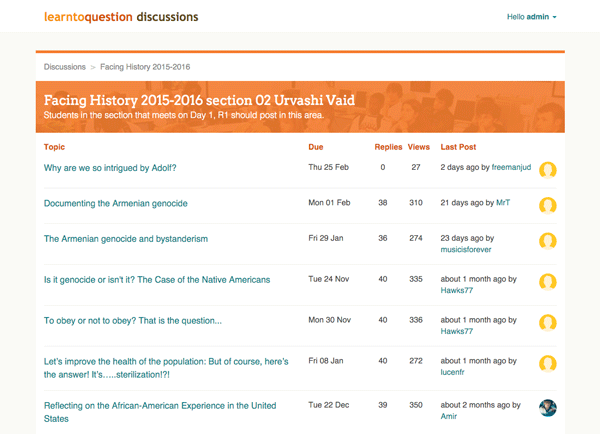
Stack
In addition to Ruby on Rails, this app also uses:
- RSpec - especially to test, that permissions work and certain actions are only available to teachers, etc.
- Kaminari - for pagination.
- Devise - for user authentication.
- Pundit - to manage user permissions via policies.
- Paperclip - to handle image uploads
- Bullet - to find SQL bottle necks.
Make a Teacher's Life Easier
The teacher has between 120 and 155 students in the course. Therefore, any improvements, however small, in the teacher's workflow can speed up grading significantly.
Reveal student identity to teacher only
Most bulletin boards only have privacy toggles on a user level to control whether or not a name is displayed. Students should remain anonymous so they feel free to express any opinion, even if it's controversial. Previously, the teacher memorizes and uses Excel lookup for each student and username. Now the teacher can skip this step altogether.

Homework has Deadlines
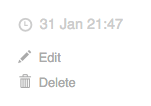
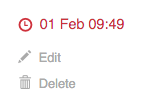
This is a uniquely educational feature. Not only do posts have a deadline, which is clearly marked to the student, the teacher can easily see which posts were made after the deadline. After UX consideration, we decided to show late posts only to the teacher. Students are encouraged to interact with each other and we did not want to discourage this by marking a reply "late", especially if it was the second post by a student.
Handling Rich Text
Of course the discussion software would need to be able to handle rich text. My favorite WYSIWYG editor is Redactor, which is relatively light-weight and unobtrusive. We just want to enable students to format their posts, not edit webpages.

The Microsoft Word Problem
The teacher and many students will first write their posts in Microsoft Word and then paste into the form on the website. Redactor does a good job of cleaning up the junk Microsoft Word leaves. But some formatting remains. A few examples include:
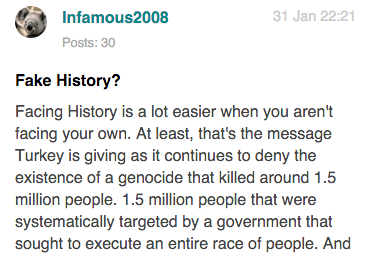
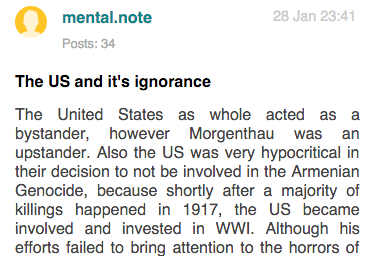
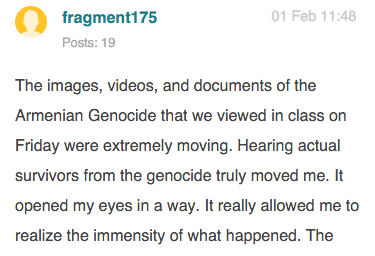
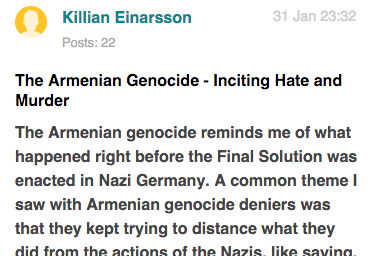
We decided to treat this as a feature. With 120+ students, it helps to distinguish some users from others. Although they can also customize their avatar, most don't. I did however, have to do some custom cleanup, mostly to remove nonbreaking whitespaces and dashes that Word inserts.
Mobile Friendly
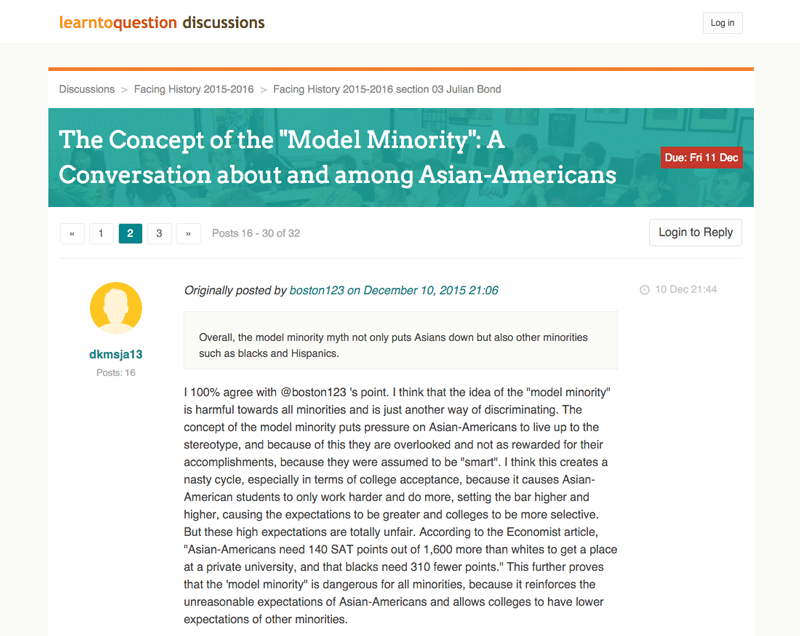
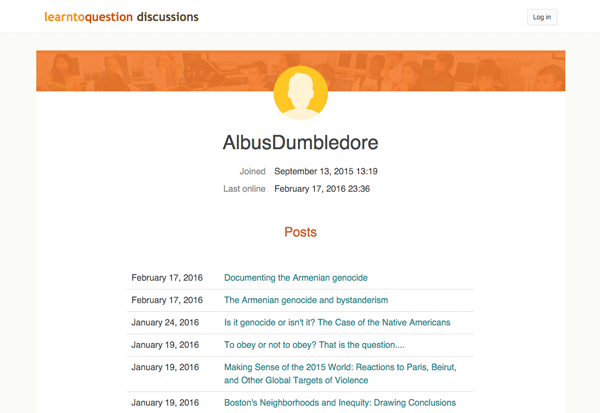
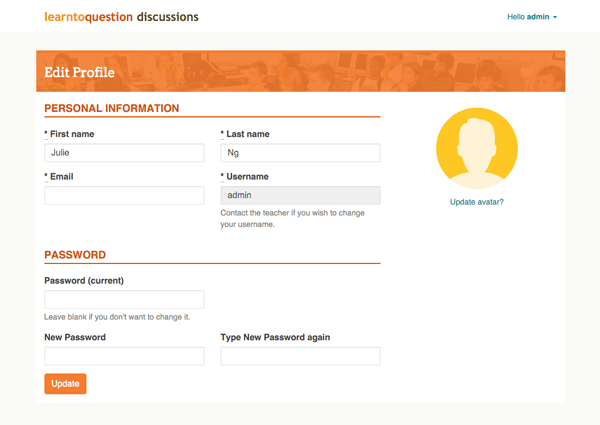
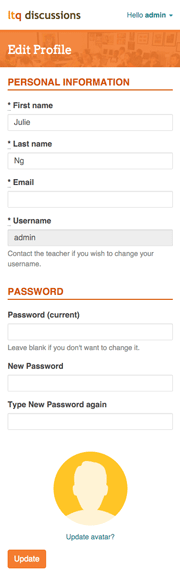
Making the discussions responsive was mostly standard media query usage. In some cases, it was necessary to use Flexbox to move things around. But otherwise, the project featured straightforward responsive design. Here are some selected screenshots:
What's next?
The software has been live since September 2015. But there's definitely some improvements planned:
- Ability to mark posts as read and unread.
- Increase performance with better caching.
- Add ability to upload attachments to posts.
- More features for the teacher: for example, show students who have not completed assignment X.
- Search is missing, in part to keep recurring costs down, if we were to implement Elastic Search.
I only work on this project in my spare time as it is partially volunteer work for a great public high school and a teacher, who opened several opportunities to me and other kids from disadvantaged backgrounds in Boston.